Be aware: Some posts may be delayed. We apologize for that! Education has changed. No longer is it contained within four classroom walls or the physical site of a school building. Students aren’t confined by the eight hours between school bells or the struggling budget of an underfunded program. Now, education can be found anywhere -- teaming up with students in Kenya, Skyping
with an author in Sweden, or chatting with an astrophysicist on the International Space Station. Students can use Google Earth to take a virtual tour of a zoo or a blog to collaborate on class research. Learning has no temporal or geographic borders and is available wherever students and teachers find an Internet connection. This vast landscape of resources is offered digitally, often free, but to take that cerebral trek through the online world, children must know how to do it safely, securely,
and responsibly. This used to mean limiting access to the Internet, blocking websites, and layering rules upon rules hoping (vainly) to discourage students from using an infinite and fascinating resource. It didn’t work. Best practices now suggest that instead of cocooning students, we teach them to be good digital citizens, confident and competent. Here are eleven projects to teach kids authentically, blended with your regular lessons, the often complicated topic of becoming
good digital citizens, knowledgeable about their responsibilities in an Internet world. Click for more Understanding how to use the internet has become a cornerstone issue for students. No longer do they complete their research on projects solely in the library. Now, there is a vast landscape of resources available on the internet. But with wealth of options comes
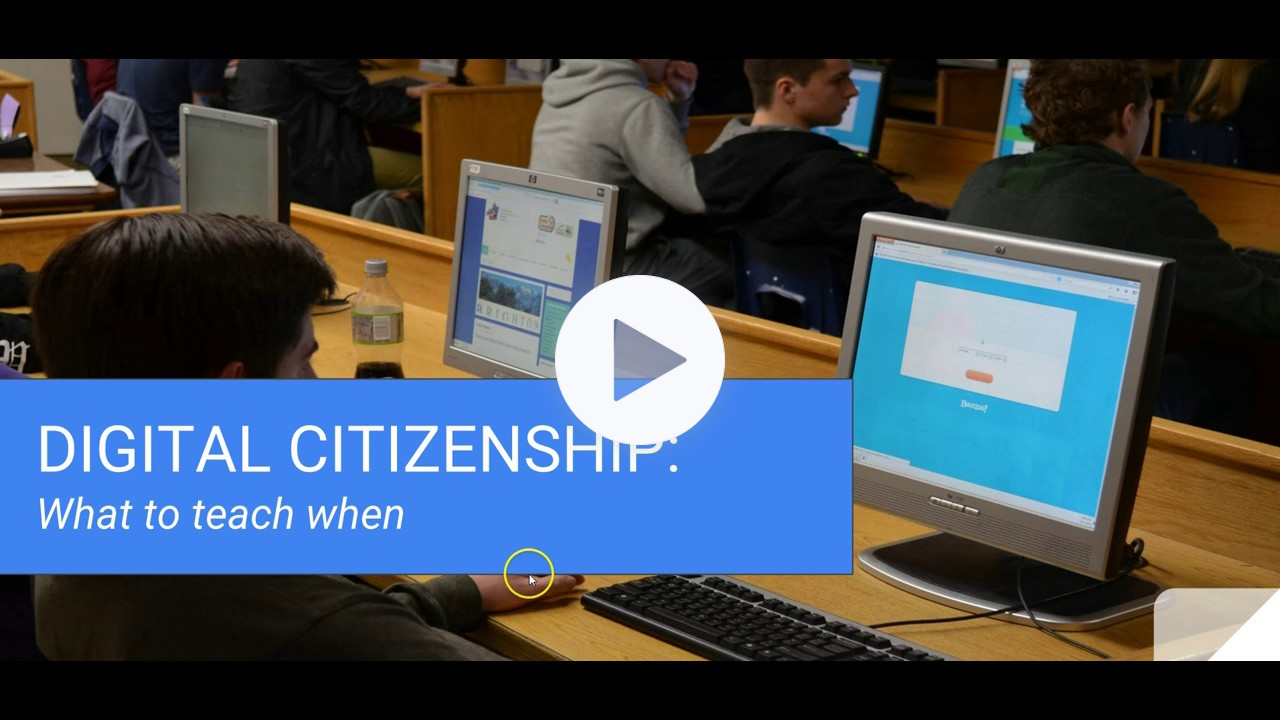
responsibility for their use. As soon as children begin to visit the online world, they need the knowledge to do that safely, securely, responsibly. There are several great programs available to guide students through this process (Common Sense's Digital Passport, Carnegie CyberAcademy, Netsmart Kids). I've collected them as resources and developed a path to follow that includes the best of everything. Here's Kindergarten--feel free to print this lesson. Use the lines in front of the steps to check off completed work: Ask a Tech Teacher has a passel of online resources to help you introduce, teach, and reinforce digital citizenship to your students. Here's our long list--and click here for updates if you arrive at this page late: Click for links Digital Citizenship: What to Teach WhenQ: I can’t find enough detail about a geographic area we’re studying. Any suggestions? A: That’s much easier than it used to be, thanks to Google Earth’s Street View. Students can walk down the street they just read about or see their home on the internet. Here’s how to use
it: - First, you must have Google Earth. It’s a free download and I’ve never had problems with the install. Take a minute to do that. I’ll wait. You can also use the online app--no need for a download.
- Done? Good. Now type the address into search; push enter.
- Zoom into an area until a pegman icon appears below the navigation controls on the right. Click and drag the icon to the area of interest, and then drop it onto the blue highlighted paths. That takes you to all the
streets.
- Travel by double clicking on the street.
- To get out of it, click the button on the upper right.
Google Street View even covers hiking trails. Google Earth works with PCs, Macs, iPads, and Chromebooks (with the app). Click for more |
Questions? Go ahead and ask! I love tech ed questions. You can either reply to this newsletter or contact me via email. |
|