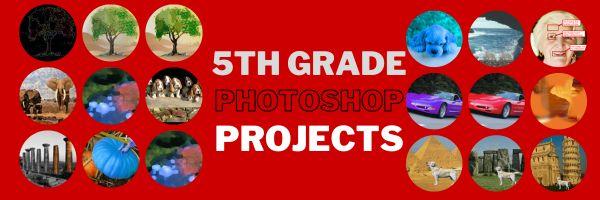
The program that says 'pro' more than any other is Adobe Photoshop. Believe it or not, there are a whole list of skills easy enough for a fifth grader (maybe even fourth, but I haven't had time to test it yet).
Over the next months, in this series, I'll show you how to teach Photoshop skills appropriate
for fifth grade and up. The list includes:
- Photoshop artwork--already live
- Photoshop actions--already live
- Photoshop basics
- Photoshop filter and rendering tools
- Photoshop starters--auto-correct with the auto-correction tools--those quick fixes that make a photo look cleaner (coming up)
- Photoshop crop tool--with the lasso and the magic wand
- Photoshop clone tool-- within a picture and to another
picture
- Photoshop--change the background (put yourself in front of the Eiffel Tower or on top of Hoover Dam)
- Photoshop tools--add custom shapes
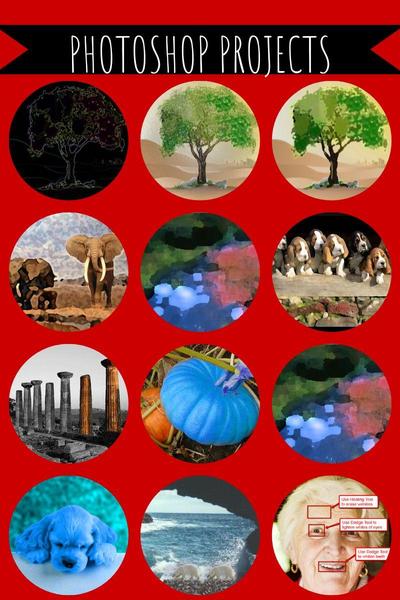
I've provided links, but they aren't live until publication. These can be adapted to other art programs like Canva. Here are examples of the type of project students can create:
Click for more